Delete Your Account
You can permanently delete your Fairway Footprint account directly from within the app.
How to delete your account
- Open the app
- Select the Profile button
- Select Settings
- Scroll down and select Delete Account
- Confirm the deletion
Once confirmed, the app will automatically log you out and your account will be permanently removed from our servers.
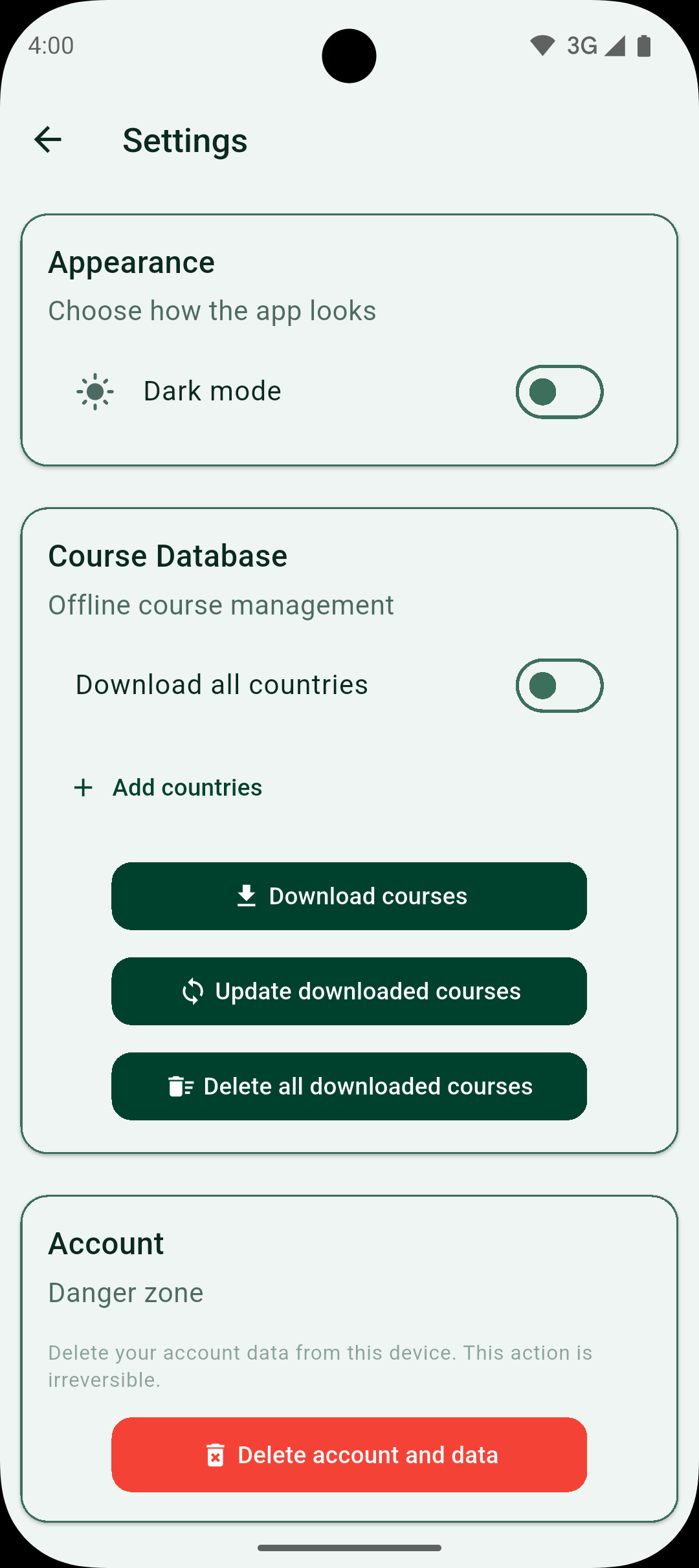
Screenshot of the app settings screen where the Delete Account option is located.